

In 2026, integrating PHPMailer with Gmail presents a unique set of challenges and solutions, largely driven by Google’s evolving security landscape. With the deprecation of app passwords and a strong push towards OAuth 2.0 authentication protocols like XOAUTH2, developers and businesses must adapt swiftly to maintain reliable email delivery. The shift reflects Google’s heightened emphasis on email security and privacy, reshaping how PHP applications authenticate and send emails via Gmail’s SMTP servers.
This transformation in email authentication means legacy methods used in previous years, such as simple username-password SMTP authentication or “Less Secure App” access, no longer function as they once did. Instead, PHPMailer users must navigate the complexities of OAuth 2.0 authorization flows, validating tokens through Google’s APIs while ensuring proper scopes and permissions are managed. These changes significantly affect coding strategies, configuration routines, and require leveraging external dependencies, especially libraries that facilitate OAuth 2.0 within PHP environments.
Understanding the precise reasons behind these changes and mastering the new authentication approaches is essential for IT professionals, web developers, and anyone relying on PHPMailer for automated email in 2026. This article provides an in-depth examination of what stopped working when using PHPMailer with Gmail, why app passwords are being phased out, and how XOAUTH2 emerges as the gold standard for SMTP authentication with detailed examples, troubleshooting tips, and key configurations.
Understanding What “PHPMailer with Gmail XOAUTH2 Authentication Required” Truly Means at the Protocol Level
The phrase “PHPMailer with Gmail XOAUTH2 authentication required” indicates a shift from traditional SMTP password authentication methods to OAuth 2.0 mechanisms mandated by Gmail’s SMTP servers. At the SMTP protocol level, this means that instead of sending a static username and password during the SMTP AUTH command, clients must provide an OAuth 2.0 access token that proves the client has permission granted by the user or the Gmail account owner.
This token-based authentication is significantly more secure because it prevents password exposure, supports scoped permissions, and can be limited or revoked independently without changing the user’s main Google account password. XOAUTH2 tokens are ephemeral, typically short-lived (an hour or so), requiring clients to refresh tokens periodically using a secure refresh token, which the application must manage carefully.
SMTP servers, particularly Gmail’s, enforce stricter handshake and authentication protocols, requiring clients to comply with the OAuth 2.0 specification. Clients that continue using older forms of authentication—such as simple password login or app passwords—are rejected outright. PHPMailer must therefore implement the OAuthTokenProvider interface or utilize libraries such as league/oauth2-client to integrate smoothly with Gmail’s OAuth 2.0 system.
Concretely, when PHPMailer attempts to connect using XOAUTH2, the SMTP server responds with a challenge expecting an OAuth token rather than a password. If the token is valid, the session proceeds; if not, the authentication fails. This architectural change underscores Google’s commitment to email security and privacy in 2026 and mandates developers to migrate existing setups accordingly.

Why Gmail App Passwords No Longer Work and How to Confirm This Issue Specifically
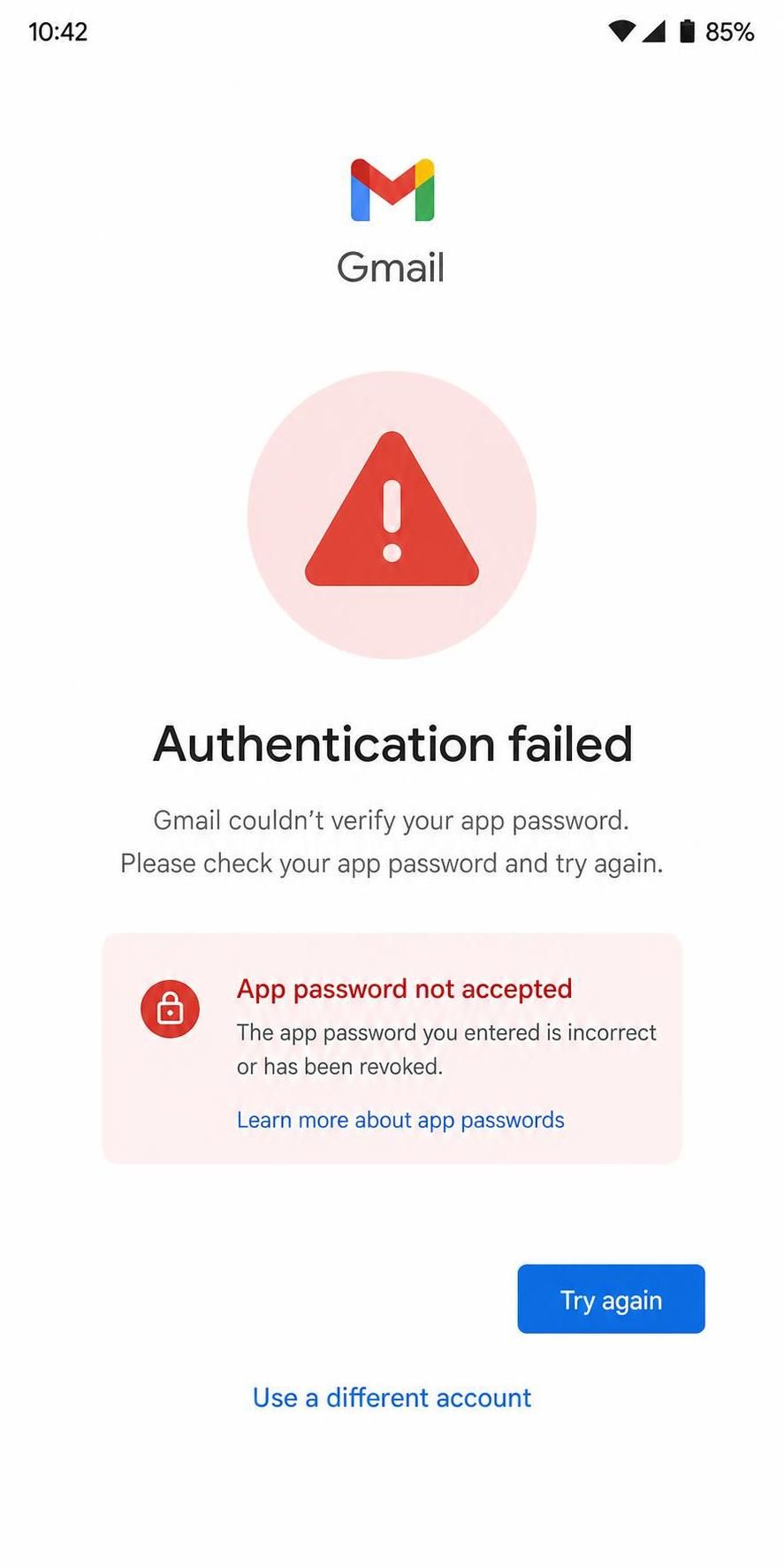
One of the core causes behind failures in PHPMailer Gmail integrations is the obsolescence of Gmail App Passwords. Previously, app passwords allowed users to generate a unique 16-character code as a substitute for their primary Google account password, letting PHPMailer authenticate with Gmail’s SMTP servers. This method offered a compromise between user convenience and improved security compared to the “Less Secure App” access.
However, as of 2026, Google has fully phased out app passwords as part of its enhanced security protocols. This removal affects all users who rely on PHPMailer or any SMTP-based email clients configured with app passwords, causing authentication errors and refusal of connection attempts.
To confirm that failed email sending attempts result from deprecated app password usage, developers should:
- Inspect SMTP error logs: Authentication failures often include messages about invalid credentials or explicit notices that app passwords are no longer supported.
- Attempt authentication with a standard password: If the login succeeds with the Google password but not with the app password, this points to the issue.
- Review Google Account security settings: The “App Passwords” section will be missing or feature warning messages about discontinuation.
- Test XOAUTH2 authentication: Successfully authenticating via OAuth 2.0, while failing with app passwords, confirms the root cause.
For organizations maintaining legacy systems, this deprecation necessitates immediate action to reconfigure PHPMailer instances with OAuth 2.0 tokens. Ignoring this cause keeps systems in non-functional states, cutting off automated emails.
Implementing XOAUTH2 for PHPMailer with Gmail: Practical Setup and Verification
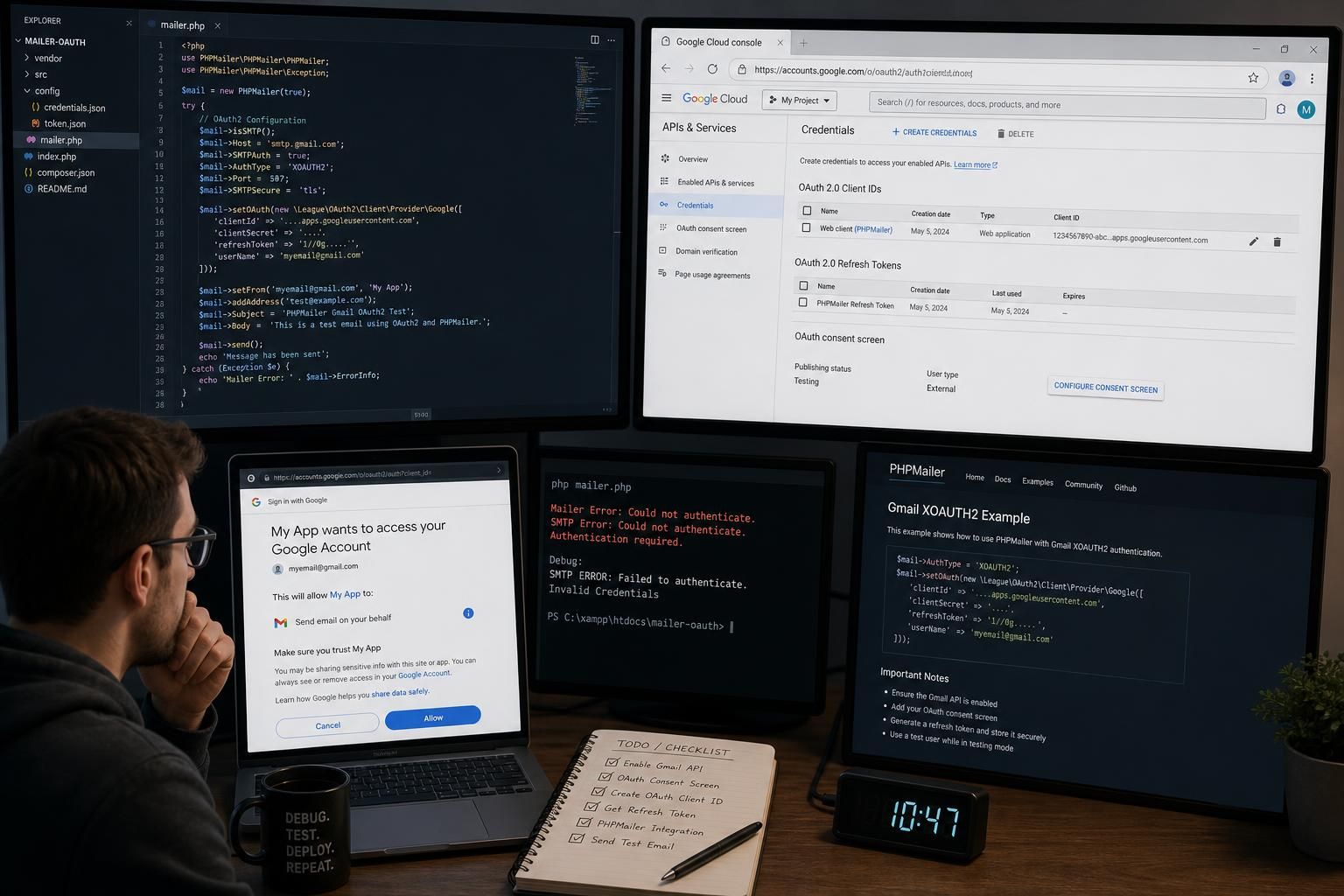
In 2026, the robust and secure alternative to app passwords for Gmail SMTP authentication via PHPMailer is XOAUTH2. This method uses OAuth 2.0 tokens authenticated through the Google API, providing enhanced security and compliance with Google’s latest standards. The process revolves around obtaining client credentials from the Google Developer Console, acquiring user consent for specific scopes, and managing OAuth tokens efficiently.
To verify that XOAUTH2 is properly implemented and distinguish this from other causes of failure, developers can employ the following tests and checks:
- Ensure the client ID and client secret are correct and active: These credentials, obtained from Google Developer Console, are essential for token requests.
- Verify the refresh token validity: Refresh tokens permit long-term access without user interaction but can expire or be revoked; failure to refresh causes authentication errors.
- Check the PHPMailer OAuthTokenProvider configuration: Confirm that a compliant implementation or wrapper of OAuthTokenProvider is correctly injected prior to sending mail.
- Enable SMTPDebug: Set the debug level to SMTP::DEBUG_SERVER for verbose output, helping pinpoint exact failures or token mismanagement (see SMTPDebug reference).
- Test sending with a minimal example script: Use PHP scripts that authenticate using XOAUTH2, verifying that the SMTP server accepts the OAuth tokens and completes the SMTP handshake.
A code snippet implementing XOAUTH2 typically involves setting:
| Parameter | Example Value / Explanation |
|---|---|
| $mail->AuthType | ‘XOAUTH2’ (signals PHPMailer to use OAuth 2.0 authentication) |
| $mail->Host | ‘smtp.gmail.com’ (standard Gmail SMTP server) |
| $mail->SMTPSecure | PHPMailer::ENCRYPTION_SMTPS (implicit TLS over port 465) |
| $mail->OAuth | Instance of OAuthTokenProvider with valid access tokens |
| $mail->setFrom() | Email address authorized by Google API scopes |
This setup ensures full compliance with Gmail’s SMTP requirements and offers greater security by avoiding static password use.
Alternative Failure Causes When PHPMailer with Gmail Fails Beyond Authentication Methods
Even with XOAUTH2 authentication correctly configured, email sending can still encounter other failure modes due to environment or configuration issues unrelated to authentication alone. Distinguishing these cases is critical for systematic troubleshooting:
SMTP Connection Errors Despite Valid Authentication
If PHPMailer reports connection timeouts, or cannot reach smtp.gmail.com, causes may include DNS resolution failures, firewall restrictions blocking SMTP ports (465 or 587), or misconfigured proxy servers. Unlike authentication failures that provide credential-specific error messages, these manifest as TCP connection errors. Testing connectivity with tools like telnet smtp.gmail.com 465 or openssl s_client -connect smtp.gmail.com:465 helps isolate network problems.
Quota Exceeded or Gmail Sending Limits Reached
Google enforces strict limits on the number of emails sent per day or per minute from SMTP clients, especially with OAuth 2.0 authenticated apps. If these limits are exceeded, Gmail may reject further messages with an error indicating quota overuse. Checking the Gmail API console or Google Workspace admin dashboards can confirm whether limits were breached.
Misconfigured Message Headers or TLS Settings
Invalid sender addresses, mismatched domains, or missing message headers can trigger rejections by Gmail, independent of authentication. Ensure the From: address aligns with the authenticated Gmail account, and that connection encryption is properly established. Switching between SMTPS (port 465) and STARTTLS (port 587) and matching encryption settings often resolves such issues.
Each failure mode should be tested systematically, for example:
- Check network ports and DNS to rule out connectivity issues.
- Review Google API quota usage for limit-related failures.
- Run PHPMailer with SMTPDebug enabled and analyze the server communication.
- Validate the email message format and headers for compliance.
When Standard Fixes Fail: Exploring Exception Cases in PHPMailer and Gmail SMTP Integration
Instances exist where even fully compliant OAuth 2.0 setups and proper network configurations fail to yield successful email sending through PHPMailer and Gmail SMTP. These exceptions typically stem from:
- Refresh Token Revocation: Users revoke app access or change their passwords in ways that invalidate stored refresh tokens, requiring reauthorization.
- Google API Scope Changes: Google periodically updates required scopes or OAuth consent screens, causing previously working tokens to fail silently.
- Outdated PHPMailer or Dependencies: Using obsolete PHPMailer versions or mismatched OAuth libraries can cause cryptic errors or token handling failures.
- Two-Factor Authentication (2FA) Enforcement: Accounts with enforced 2FA require OAuth; failure to update client libraries or credential flows blocks authentication.
These cases demand more involved remediation steps, such as regenerating OAuth client credentials, reauthorizing tokens via user consent screens, upgrading PHPMailer to versions compliant with the latest Google API expectations, or implementing token refreshing logic robustly.
Monitoring debug logs with SMTPDebug remains indispensable for identifying these nuanced issues, a practice recommended for all complex email integrations in 2026.
Key points summarizing this article:
- Gmail app passwords have been deprecated in 2026; using them causes authentication failures in PHPMailer.
- XOAUTH2 via OAuth 2.0 tokens is the required authentication method; it demands correct client credentials and token management.
- SMTP connection issues or Gmail sending limits may mimic authentication failures but require distinct troubleshooting.
- Persistent failures often involve refresh token revocation or outdated client libraries; regenerating credentials or updating dependencies helps.
- Enabling SMTP debug output (SMTPDebug) is essential for precise diagnostics and problem resolution.
What replaced Gmail app passwords for PHPMailer authentication?
Google has replaced app passwords with OAuth 2.0 based authentication using XOAUTH2 tokens, requiring developers to obtain and manage OAuth credentials via the Google API.
How do I generate OAuth 2.0 tokens for PHPMailer?
Tokens are generated by registering an application in the Google Developer Console, obtaining client ID and secret, and performing the OAuth authorization flow to receive access and refresh tokens.
Why does my PHPMailer script fail despite correct credentials?
Failures can arise from revoked tokens, exceeded Gmail quotas, network restrictions, or outdated PHPMailer versions incompatible with current OAuth standards.
Can I still use SMTP authentication with plain passwords on Gmail?
No, Google has discontinued ‘Less Secure App’ access and app passwords; all authentication must now use OAuth 2.0 tokens such as XOAUTH2.
How can I troubleshoot PHPMailer Gmail OAuth2 authentication issues?
Enable verbose SMTP debug output (SMTPDebug) to analyze communication with Gmail SMTP servers, inspect error messages for token problems, and verify API credentials and scopes.
